The Agentic Notebook: How to Deploy and Collaborate with a CLI Assistant in Obsidian
essay
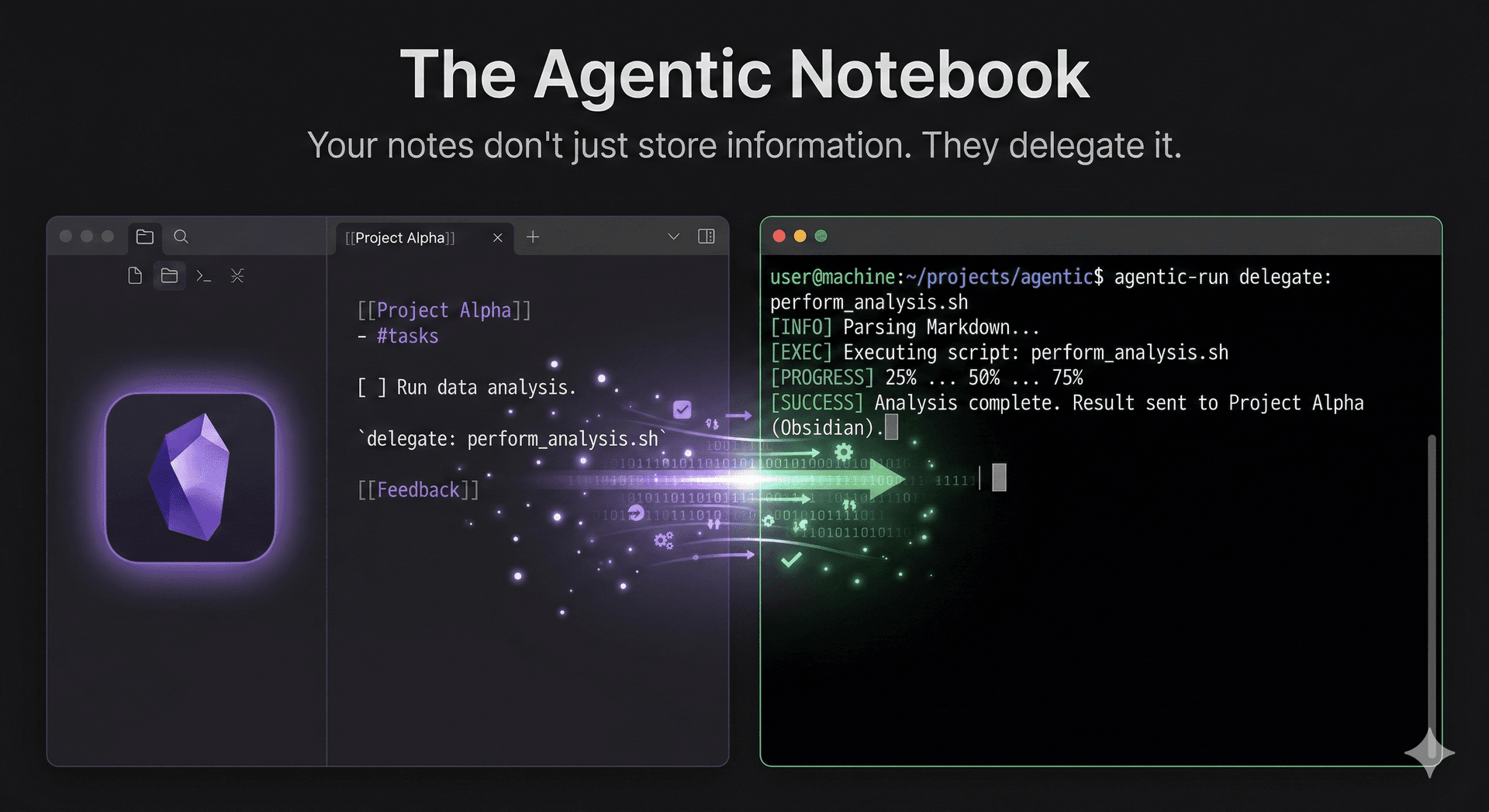
The Agentic Notebook: How to Deploy and Collaborate with a CLI Assistant in Obsidian
Introduction: Your Notes Are About to Get a Promotion
You already use Obsidian as a second brain. You link ideas, track projects, and build a personal knowledge graph that would make a librarian jealous.
But your notes are passive. They sit there. You write in them, you read from them, and nothing happens in between.
What if a note could act on its own behalf?
Not in a vague, futuristic sense. Right now. Today. With a coding agent, a terminal, and the vault you already have.
This guide introduces the concept of the Agentic Notebook: an Obsidian vault where specific notes contain structured instructions that a CLI agent reads, processes, and writes results back into. The note becomes a living collaboration surface between you and an AI assistant.
You do not need to know how to code. You will not write a single line of Python, JavaScript, or anything else by hand. Instead, you will use one of the new AI coding agents (Claude Code, Gemini CLI, or OpenAI Codex) to build the entire system through natural language prompts. You describe what you want. The agent writes the code. You run it.
By the end of this guide, you will have:
- A working CLI agent called Sherry that operates on your Obsidian files
- A Smart Purchase List note that Sherry processes, categorizes, and enriches
- A reusable pattern for turning any note into an agentic collaboration surface
- A persistent memory system so Sherry remembers what she has done across sessions
No hand-written code. No computer science degree. Just clear instructions to a coding agent and the vault you already own.
Part 1: Getting Your Tools
Before you build anything, you need two things: a terminal and an AI coding agent. The terminal is how you talk to the agent. The agent is who writes the code.
The Terminal
If you have never opened a terminal before, here is the short version:
- Mac: Open the app called "Terminal" (search for it in Spotlight)
- Windows: Open "Windows Terminal" or "PowerShell" from the Start menu. If you want the best experience, install Windows Subsystem for Linux (WSL) by opening PowerShell as Administrator and running:
wsl --install - Linux: You already know where your terminal is.
You also need Node.js installed, since the coding agents run on it. Go to nodejs.org, download the LTS version, and install it. Verify it works by typing node --version in your terminal. You should see a version number like v22.x.x.
Choose Your Coding Agent
There are three major AI coding agents available right now. Pick one. They all work for this guide. You only need one.
Option 1: Claude Code (Anthropic)
Claude Code is Anthropic's terminal-based coding agent. It reads your files, writes code, runs commands, and iterates until the job is done.
Install:
npm install -g @anthropic-ai/claude-code
Setup:
- Go to console.anthropic.com and create an account
- Generate an API key under Settings > API Keys
- Set it in your terminal:
export ANTHROPIC_API_KEY="your-key-here"
Launch: Navigate to your Obsidian vault folder and type claude. That is it. You are now in a conversation with a coding agent that can see and edit your files.
Option 2: Gemini CLI (Google)
Google's Gemini CLI brings Gemini's capabilities directly into your terminal.
Install:
npm install -g @anthropic-ai/gemini-cli
Setup:
- Run
geminiand follow the authentication prompts to sign in with your Google account - Gemini CLI uses your Google account directly, so no separate API key is needed for the free tier
Launch: Navigate to your vault folder and type gemini.
Option 3: OpenAI Codex CLI
OpenAI's command-line coding agent, built on their latest models.
Install:
npm install -g @openai/codex
Setup:
- Go to platform.openai.com and create an account
- Generate an API key
- Set it:
export OPENAI_API_KEY="your-key-here"
Launch: Navigate to your vault folder and type codex.
Which One Should You Pick?
If you have no preference, start with whichever one you already have an account for. Claude Code and Codex require API credits (pay-per-use). Gemini CLI offers a free tier. All three can build everything in this guide.
The prompts in this guide are written to work with any of them. When I say "tell your agent," I mean type the instruction into whichever agent you chose.
Part 2: The Framework
Before you start prompting, you need to understand what you are building. This section is conceptual. No commands yet.
What Is an Agentic Note?
An agentic note is a standard Obsidian .md file with two additional properties:
- YAML frontmatter that declares the note's agent-facing configuration: what type of processing it expects, what rules apply, and what output format to use.
- A structured body with designated input and output zones that the agent reads from and writes to.
Everything else about the note is normal. You can still link it, tag it, search it, and read it like any other note in your vault.
Here is what a simple agentic note looks like:
---
agent: sherry
task: categorize
updated: 2026-02-27
---

# Errands

## Inbox
- Buy milk
- Schedule dentist appointment
- Return library books

## Processed
<!-- Sherry writes here -->
The agent: sherry frontmatter tells the CLI which processing logic to apply. The ## Inbox section is where you write. The ## Processed section is where the agent writes. You never compete for the same space.
The "Agent Employee" Model
We call the agent "Sherry" and not "script_v2_final" on purpose. Naming your agent creates accountability, personality, and a mental model for collaboration.
Sherry is not a chatbot. She is an Agent Employee with four defining behaviors:
1. Task Initiation from Structured Input
Sherry reads the note's frontmatter, identifies the task type, and executes. Her instructions are embedded in the file itself. No conversation required.
2. Structured Reporting
Sherry writes results back into the note using a consistent format: categorized items, timestamps, and a receipt block that logs what she did and when.
3. Persistent Memory
Sherry maintains a .sherry/memory.json file in the vault root. She remembers which items she has already processed, preventing duplicates across sessions.
4. Proactive Suggestions
When an item is vague ("get stuff for dinner"), Sherry flags it with a [?] marker and asks for clarification. She does not guess. She asks.
Part 3: Building Sherry with Prompts
This is where you build the system. Open your terminal, navigate to your Obsidian vault folder, and launch your coding agent.
cd /path/to/your-obsidian-vault
claude    # or: gemini / codex
You are now in a conversation with an AI that can read, create, and edit files in your vault. Follow these steps in order. Each step is a prompt you give to the agent.
Step 1: Create the Folder Structure
Tell your agent:
Create the following folder structure in this directory:
- A hidden folder called
.sherry/with a file calledmemory.jsoninside it. The memory file should contain:{"processed_items": {}, "last_run": null}- A folder called
Agentic/
The.sherry/folder is for the agent's internal state. TheAgentic/folder is where agentic notes will live.
Your agent will create both folders and the memory file. You should see them appear in your Obsidian vault (the Agentic/ folder will be visible; .sherry/ is hidden because it starts with a dot).
Step 2: Create the Smart Purchase List Note
Tell your agent:
Create a file called
Agentic/Smart Purchase List.mdwith the following content:It should have YAML frontmatter with these fields:
- agent: sherry
- task: smart_purchase
- category_rules that map keywords to categories:
- groceries: milk, eggs, bread, cheese, butter, chicken, rice, pasta, fruit, vegetables
- household: soap, towels, batteries, lightbulbs, trash bags, detergent
- tech: cable, adapter, usb, monitor, keyboard, mouse, headphones
- health: vitamins, medicine, bandages, sunscreen, toothpaste
The body should have three sections:
- "## Add Items Here" with these sample items: Whole milk (2 gallons), USB-C to HDMI adapter, Trash bags (13 gallon), Vitamin D3 supplements, get stuff for dinner
- "## Categorized" with just an HTML comment: Items will be categorized here by Sherry
- "## Sherry's Notes" with just an HTML comment: Flags, suggestions, and receipts appear here
Open Obsidian. You should now see "Smart Purchase List" in your Agentic/ folder. The note has structured frontmatter with category rules and three clearly defined sections.
Step 3: Build the Agent Script
This is the big one. You are going to ask your coding agent to write the entire Sherry script for you. Do not worry about understanding every line. Focus on describing what you want.
Tell your agent:
Build a Python CLI script called
sherry.pyin the vault root. It should use ONLY Python's standard library -- no pip installs, no external packages. Here is exactly what it needs to do:Core architecture:
- A CLI with three commands:
process,status, andresetprocesstakes a path to a .md file as an argumentstatusshows what Sherry has processed and whenresetclears all memoryThe process command should:
- Read the .md file and parse the YAML frontmatter (write a simple parser, do not use PyYAML)
- Verify that
agent: sherryis in the frontmatter. If not, print an error and exit.- Read the
taskfield from frontmatter and route to the correct handler function- For the
smart_purchasetask handler:
a. Extract bullet items from the "## Add Items Here" section
b. Check.sherry/memory.jsonto see which items were already processed. Skip those.
c. Categorize each new item by checking if any keyword from the frontmattercategory_rulesappears in the item text (case-insensitive). If no match, put it in "uncategorized"
d. Detect vague items -- if an item contains words like "stuff", "things", "some", "etc", or "misc", flag it with[?]and add a suggestion asking for specifics
e. Write the categorized items into the "## Categorized" section with sub-headers for each category. Each item should be a checkbox:- [ ] item
f. Write a session receipt into "## Sherry's Notes" with: timestamp, number of items processed, categories used, number of flags raised, and any clarification requests
g. Clear the "## Add Items Here" section (replace with a comment saying items were moved)
h. Update.sherry/memory.jsonwith the newly processed itemsMemory system:
- Read from and write to
.sherry/memory.json- Track which items have been processed per note (keyed by filename)
- Store last run timestamp
- The status command should print last run time and per-note item counts
- The reset command should clear the memory file back to its initial state
Important details:
[Sherry]prefix on all terminal output- Use
argparsefor the CLI- The script should be runnable as
python sherry.py process "Agentic/Smart Purchase List.md"- Make it well-commented so I can read and learn from it later
Your agent will write the complete script. This typically takes 30-60 seconds. Watch it work. When it finishes, you will have a file called sherry.py in your vault root.
Step 4: Test It
Now run the agent you just built. Back in your regular terminal (not the coding agent), type:
python sherry.py process "Agentic/Smart Purchase List.md"
You should see:
[Sherry] Processed 5 items into 4 categories.
[Sherry] Flagged 1 item(s) for clarification. Check 'Sherry's Notes'.
Open the Smart Purchase List in Obsidian. You will see:
- "Add Items Here" is now cleared with a comment noting items were moved
- "Categorized" has your items sorted under Groceries, Health, Household, Tech, and Uncategorized headers, each with checkboxes
- "Sherry's Notes" has a timestamped receipt showing what was processed, and "get stuff for dinner" is flagged with
[?]because it contains the word "stuff"
Step 5: Fix What Needs Fixing
Your coding agent probably got 90-95% of this right on the first try. If something does not work, do not panic. Go back into your coding agent session and describe the problem.
Example fix prompts:
The categorized section is being written outside the ## Categorized heading instead of under it. Fix the section replacement logic.
Sherry is reprocessing items she already handled. The memory check is not working. Debug it and fix.
The frontmatter parser is not reading the category_rules correctly because they are nested YAML. Fix the parser to handle indented key-value pairs under category_rules.
This is the power of the coding agent workflow: you describe the problem in plain English, and the agent fixes the code. You do not need to understand regex or file I/O. You just need to describe what is wrong and what should happen instead.
Step 6: Verify the Memory System
Add new items to the "Add Items Here" section in Obsidian:
## Add Items Here
- Sourdough bread
- AAA batteries (8 pack)
Run Sherry again:
python sherry.py process "Agentic/Smart Purchase List.md"
[Sherry] Processed 2 items into 2 categories.
Sherry only processed the two new items. She remembered the original five from her memory file and skipped them. Check with:
python sherry.py status
[Sherry] Last run: 2026-02-27T08:15:32.451822
  Smart Purchase List.md: 7 items processed
This is why memory matters. Without it, Sherry would reprocess everything on every run, creating duplicates and losing your checkbox states.
Part 4: Making It Convenient
Running python sherry.py process "path/to/note.md" every time works, but there are faster ways.
Option A: Keyboard Shortcut in Obsidian
Install the Shell Commands community plugin in Obsidian:
- Open Obsidian Settings > Community Plugins > Browse
- Search for "Shell Commands" and install it
- Add a new shell command:
cd "{{vault_path}}" && python sherry.py process "{{file_path}}"
- Assign a hotkey (e.g.,
Ctrl+Shift+S)
Now you can trigger Sherry from inside Obsidian without switching to the terminal.
Option B: Daily Cron Job
Schedule Sherry to process your purchase list every morning. Tell your coding agent:
Add a cron entry that runs Sherry on my Smart Purchase List every day at 7 AM. The vault is at /path/to/your-vault. Show me the crontab command.
The agent will give you something like:
# Add to crontab: crontab -e
0 7 * * * cd /path/to/your-vault && python sherry.py process "Agentic/Smart Purchase List.md"
Option C: Process All Agentic Notes at Once
Tell your coding agent:
Add a new command to sherry.py called "process-all" that scans the Agentic/ folder for all .md files with
agent: sherryin the frontmatter and processes each one. Print a summary at the end showing how many notes were processed.
Now you can run python sherry.py process-all and Sherry handles every agentic note in one pass.
Part 5: Scaling the System
The Smart Purchase List is one task type. The architecture you built is designed to grow. Each new agentic note type is just a new prompt to your coding agent.
Extension 1: Meeting Debrief Note
Create this note manually in Obsidian:
---
agent: sherry
task: meeting_debrief
---

# Meeting: Q1 Planning Sync

## Raw Notes
- Budget approved for infra upgrade
- Sarah owns the migration timeline
- Need to follow up with Dave on API contracts
- Launch target moved to March 15

## Action Items
<!-- Sherry extracts action items here -->

## Summary
<!-- Sherry generates a brief summary here -->
Then tell your coding agent:
Add a new task handler to sherry.py called "meeting_debrief". It should:
- Read bullet items from the "## Raw Notes" section
- Identify action items by looking for keywords like "owns", "need to", "follow up", "moved to", "deadline", "assigned to"
- Write extracted action items as checkboxes under "## Action Items"
- Write a 2-3 sentence summary under "## Summary" that captures the key decisions
- Register it in the TASK_HANDLERS dictionary
Extension 2: Weekly Review Generator
---
agent: sherry
task: weekly_review
review_period: 7
daily_notes_path: Daily/
---

# Weekly Review

## Generated Summary
<!-- Sherry reads the last 7 daily notes and synthesizes -->

## Patterns Detected
<!-- Recurring themes, unfinished tasks -->

## Suggested Focus for Next Week
<!-- Based on what was started but not completed -->
Tell your coding agent:
Add a "weekly_review" task handler to sherry.py. It should:
- Read the
daily_notes_pathandreview_periodfrom frontmatter- Find the last N daily note files (by date in filename)
- Extract completed tasks (lines with
- [x]), incomplete tasks (lines with- [ ]), and any text under headers containing "journal" or "reflection"- Write a summary of completed work, recurring incomplete items, and suggested focus areas
- Register it in TASK_HANDLERS
Extension 3: Code Snippet Manager
---
agent: sherry
task: snippet_index
language: python
---

# Python Snippets

## Inbox
- Read a CSV into a dict: `import csv; reader = csv.DictReader(open('data.csv'))`
- Flatten nested list: `flat = [x for sub in nested for x in sub]`

## Index
<!-- Sherry categorizes by use case and adds search tags -->
Tell your coding agent:
Add a "snippet_index" task handler. It should parse inline code from the Inbox items, detect the operation type (file I/O, data transformation, string manipulation, etc.), and write a categorized index with tags that work with Obsidian's search.
The Pattern
Notice the pattern. Every extension follows three steps:
- Create the agentic note in Obsidian with the right frontmatter and sections
- Describe the handler to your coding agent in plain English
- Test and iterate until the behavior matches what you want
You never need to read or write code. You describe behavior. The agent implements it. You verify the results in Obsidian.
Part 6: Going Further
Teaching Sherry New Tricks (Without Code)
Any time you want Sherry to handle a new type of note, the process is always the same. Open your coding agent and say:
I have a note in my Obsidian vault with
agent: sherryandtask: [your_task_name]in the frontmatter. Add a handler for it. Here is what it should do: [describe the behavior in plain English].
That is the entire extension model. A function, a dictionary entry, and a note. The coding agent handles the function. You handle the note and the description.
Making Sherry Smarter with AI
The version you built uses keyword matching and pattern detection. If you want Sherry to understand context (not just keywords), you can upgrade her.
Tell your coding agent:
Add an optional AI mode to sherry.py. When the frontmatter contains
ai: true, instead of using keyword matching for categorization, send the items to an AI API for intelligent categorization. Use the OpenAI API (or Anthropic API, or Google Gemini API) with my API key stored in an environment variable. Fall back to keyword matching if the API key is not set or the call fails.
Now Sherry can categorize "ribeye steaks for the grill" under Groceries even though "ribeye" is not in your keyword list. The AI understands context.
Sharing Your Setup
Your entire Agentic Notebook system is portable:
sherry.pyis one file with zero dependencies.sherry/memory.jsonis one JSON file- Your agentic notes are standard Obsidian markdown
Copy them to another machine, another vault, or share them with a friend. Everything works anywhere Python runs.
Conclusion: The Collaboration Surface
The Agentic Notebook is not about replacing your thinking with automation. It is about creating a collaboration surface where human intent and machine execution meet in a format you already use every day: a markdown file.
What makes this approach different is that you built the entire system without writing code yourself. You described what you wanted to a coding agent, and it built the tool for you. If something breaks, you describe the problem and the agent fixes it. If you want a new feature, you describe the behavior and the agent implements it.
This is what personal AI looks like when it actually works: not a chatbot you ask questions, but a tool that builds other tools on your behalf. Your Obsidian vault becomes the interface. Your terminal becomes the bridge. And Sherry becomes the employee who never forgets, never skips a step, and gets better every time you add a new handler.
Your notes just got a promotion. Put them to work.