SITREP: Is Claude’s New "Co-work" Agent the End of Busy Work?
essay
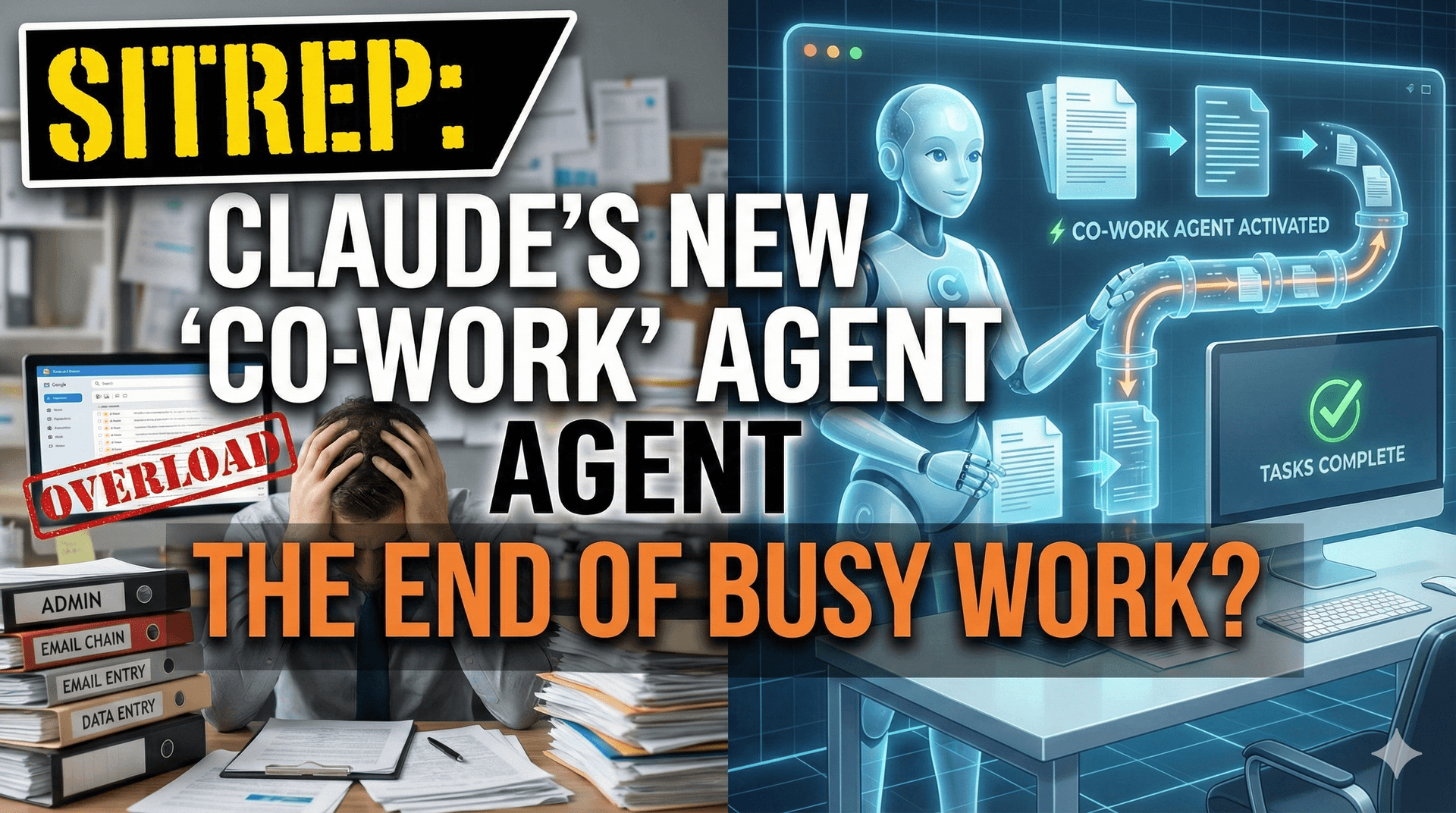
Co-work: Can It Kill Your Busy Work?
You know the cycle. You carve out time for real work. Focused, deep work. Then the distractions hit. Suddenly you are organizing files, resizing thumbnails, fixing calendar entries. An hour disappears and you have built nothing.
This low-value maintenance work is the silent killer of productivity. But there might be a new weapon against it: Claude's "Co-work." A desktop-layer agent that takes control of your computer. It clicks, scrolls, and types on your behalf.
Is this the real deal or just another shiny distraction? Let me break it down.
The Unlock: What Co-work Actually Does
"No Code" Automation
Co-work removes the need for scripting or API integrations. You give Claude permission to control your desktop. It watches your screen and executes tasks directly.
Here are five use cases I have identified, with honest practicality ratings:
1. The Digital Janitor (File Hygiene)
Use Case: "Claude, organize my Downloads folder. Move PDFs to Documents and delete memes from 2023."
The Verdict: HIGH UTILITY.
This is the exact type of maintenance work that eats your time alive. If Claude can handle 15 minutes of file sorting while you grab coffee, that is a real win. No code required.
2. The Draftsman (Asset Generation)
Use Case: "Open Google Slides and create a pitch deck for Project X using the CK42X theme."
The Verdict: MEDIUM UTILITY.
AI design is still rigid. It will get you past the blank page, but you will spend time refining the output. Useful as a starting point. Not a finished product.
3. The Broadcaster (Social Auto-Posting)
Use Case: "Upload this video to YouTube, LinkedIn, and Facebook with these titles."
The Verdict: CRITICAL UNLOCK.
Manual cross-posting is soul-crushing busywork. If Claude can navigate each platform and post without relying on fragile APIs, this alone could justify the tool. Content distribution without the grind.
4. The Ghost in the Machine (Browser Macros)
Use Case: "Monitor my favorite news sources and summarize them into an Obsidian note every morning."
The Verdict: HIGH UTILITY.
This turns Co-work into a natural-language script. The bot gathers information while you sleep. You wake up to the summary. Zero effort on your end.
5. The Scout (Intel Gathering)
Use Case: "Identify our top 10 competitors, pull their pricing, and compile it in a spreadsheet."
The Verdict: HIGH UTILITY.
Hours of manual research, gone. Let Claude scrape and organize while you rest. Wake up to structured competitive intelligence.
The Skeptic's View: Where This Could Go Wrong
Before you hand your computer over to an AI, pump the brakes. There are real risks here.
Security Risks: You are giving an AI full access to your desktop. That is dangerous. Protocol: Never run this on a machine with sensitive data. Use a sandbox environment or a dedicated laptop.
The "No Code" Myth: "No setup needed" almost always means "expect hours of debugging." Be ready for it to delete the wrong files or post to the wrong account. Test everything.
Speed Limitations: Desktop agents work by visually scanning your screen. That is inherently slower than API-driven automation. Watching a bot click through menus can feel painfully slow.
The Battle Plan
If you want to integrate Co-work, do it methodically. Here is the approach:
Phase 1: Isolation. Test in a sandbox. No sensitive data anywhere near it.
Phase 2: The Janitor Test. Give Claude a messy folder and tell it to clean up. Success means zero lost files.
Phase 3: The Social Test. Have it post one update to your social channels. Success means no errors and human-readable formatting.
Phase 4: Integration. If testing passes, assign Co-work tasks to run overnight after your focused work sessions.
Current Status
I am checking the waitlist for the desktop app right now. The goal is to identify three simple workflows, like PDF sorting, and confirm that the debugging time is less than the execution time. If it costs me more time to fix than it saves, it is not ready.
Status: WATCHING.
Stay tuned for the field report.